

In modern digital photography, storage performance is inseparable from image reliability. High-resolution sensors, fast burst rates, and hybrid photo-video workflows generate data at speeds that expose weak points in even experienced photographers’ setups. Some professionals mitigate this by using proven, high-performance SD cards—such as those in SanDisk’s Extreme PRO lineup—but reliable results depend just as much on workflow discipline as on card specifications. A well-designed professional photography workflow accounts for capture speed, redundancy, and data integrity from the moment the shutter is pressed to final archive.
Despite this, storage is still widely treated as an afterthought—until something goes wrong. Below are five common storage mistakes photographers make, along with practical, technical strategies to avoid them.
In this Article
5 Common Storage Mistakes Photographers Make (and How to Avoid Them)
- Choosing Cards Based on Capacity Instead of Sustained Performance
- Using a Single High-Capacity Card for Entire Shoots
- Improper Formatting and File System Hygiene
- Interrupting Active Write Operations
- Treating Memory Cards as Long-Term Storage
Final Considerations: Storage as a System, Not a Component
Building a Reliable Capture-to-Archive Storage System
Frequently Asked Questions (FAQs)
1. Choosing Cards Based on Capacity Instead of Sustained Performance
One of the most persistent misconceptions is that larger capacity automatically means better performance. In reality, sustained write speed—not total storage size—is the limiting factor in most professional shooting scenarios.
High-resolution RAW files, continuous burst shooting, and 4K video recording all demand consistent write throughput. When a card cannot sustain the required speed, the camera buffer fills quickly. The result is slowed shooting, missed frames, or prematurely stopped video clips. This is especially problematic for sports, wildlife, and event photographers, where timing is non-negotiable.
How to avoid it:
Evaluate your camera’s data output realistically. Consider RAW file size, frames per second, and video bitrate. Look for cards rated UHS Speed Class U3 or Video Speed Class V30 (or higher), and prioritize sustained performance metrics over advertised peak read speeds. Reliability under continuous load matters far more than benchmark numbers.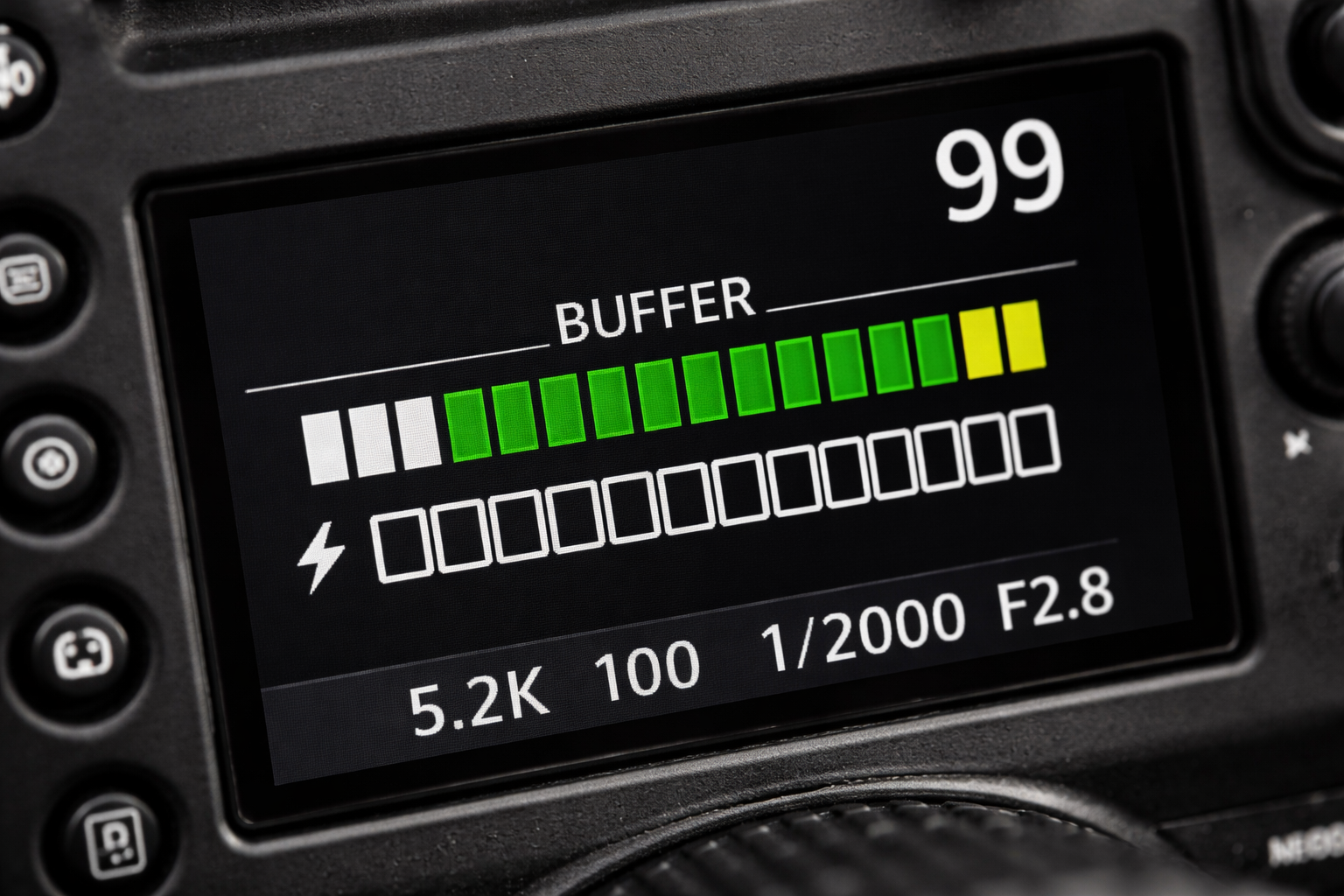
2. Using a Single High-Capacity Card for Entire Shoots
While large cards reduce card swaps, they also concentrate risk. Storing an entire shoot—or multiple shoots—on one card creates a single point of failure. If that card becomes corrupted, physically damaged, or misplaced, the entire job is at risk.
Most professional data-loss incidents are not caused by faulty hardware, but by risk consolidation—placing too much data on one medium.
How to avoid it:
Use multiple medium-capacity cards and rotate them during the shoot. Segment cards by session, location, or time block. This approach limits potential loss and simplifies file organization later. If your camera supports dual card slots, enable simultaneous recording to create instant redundancy for critical work.
3. Improper Formatting and File System Hygiene
Deleting images manually does not reset a card’s file system. Over time, residual directory structures and fragmented allocation tables can accumulate, increasing the likelihood of read/write errors and corruption—particularly when cards are reused extensively.
Formatting cards on a computer introduces additional risk, as desktop operating systems may apply file systems or metadata structures that are suboptimal for camera firmware.
How to avoid it:
Format cards in-camera, not on a computer, and do so regularly—ideally after each confirmed backup. In-camera formatting rebuilds the file system according to the camera’s specifications, reducing long-term reliability issues. Formatting should be viewed as preventive maintenance, not a last-resort fix.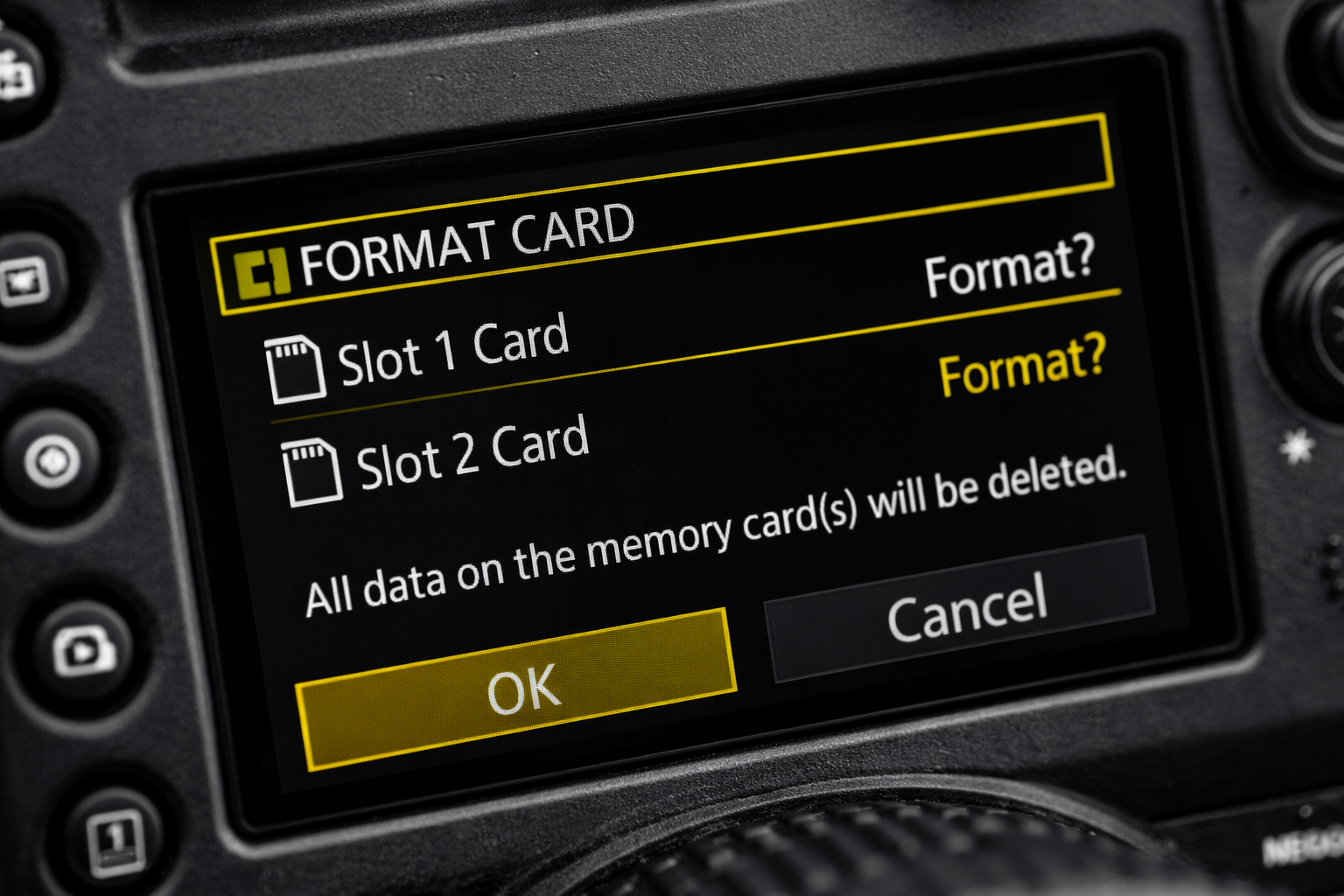
4. Interrupting Active Write Operations
Removing a memory card or battery while the camera is writing data remains one of the most common causes of file corruption. Write operations may continue even after shooting stops, particularly during long exposures, burst sequences, or video capture.
Power loss during these moments—whether from battery depletion or manual removal—can corrupt individual files or render the entire card unreadable.
How to avoid it:
Treat the camera’s card-access indicator as authoritative. Do not power down, remove cards, or swap batteries until all write activity has stopped. Monitor battery levels carefully during extended sessions and carry spares to avoid forced shutdowns mid-write.
5. Treating Memory Cards as Long-Term Storage
Memory cards are designed for data capture, not long-term retention. Even professional-grade cards are vulnerable to physical damage, environmental exposure, and accidental overwrites. The longer files remain stored only on a card, the greater the risk of irreversible loss.
Many photographers underestimate how often data loss occurs between capture and backup.
How to avoid it:
Adopt a structured post-shoot backup workflow as soon as possible. The widely accepted 3-2-1 backup rule remains one of the most effective safeguards:
- 3 total copies of your data
- 2 different types of storage media
- 1 off-site or cloud-based copy
This protects against hardware failure, user error, and physical loss.
Final Considerations: Storage as a System, Not a Component
Reliable storage is not about eliminating risk—it’s about managing it intelligently. Card performance, redundancy, formatting discipline, power management, and backup strategy all function as a single system. When one element is neglected, even the most advanced camera gear becomes vulnerable.
Professional photographers invest heavily in lenses, bodies, and lighting, yet storage is the silent component that determines whether any of that work survives beyond capture. Treating storage with the same technical rigor applied to exposure, autofocus, and lens selection ensures that images move safely from sensor to archive—where they belong.
Building a Reliable Capture-to-Archive Storage System
Component | What It Covers | Why It Matters | Best Practice |
Memory Card Performance | Sustained write speed, card class, reliability | Prevents buffer slowdowns, dropped frames, and recording interruptions | Choose cards rated for continuous performance (U3, V30 or higher) |
Risk Distribution | Card capacity strategy, card rotation | Reduces impact of card failure, loss, or corruption | Use multiple medium-capacity cards; enable dual-slot recording when available |
File System Hygiene | Formatting habits and reuse | Minimizes corruption caused by fragmented or incompatible file systems | Format cards in-camera after confirmed backups |
Write-Operation Discipline | Power management, card handling | Prevents corruption during active data writes | Never remove cards or power down while write activity is ongoing |
Backup Workflow | Redundancy and archival strategy | Protects images beyond the capture stage | Follow the 3-2-1 backup rule as soon as possible after shooting |
End-to-End Thinking | Integration of all storage steps | Ensures reliability from capture to archive | Treat storage as a workflow, not a single component |
Frequently Asked Questions (FAQs)
- How do I choose the right memory card for my camera?
The most important factor is not capacity, but sustained write speed. High-resolution photography, burst shooting, and video recording require cards that can maintain consistent performance under continuous load. Choosing a card that matches your camera’s data output helps prevent buffer slowdowns and missed shots.
- Is it better to use one large memory card or several smaller ones?
Using several medium-capacity cards is generally safer. Relying on a single large card concentrates risk, while rotating multiple cards limits potential data loss and improves organization. Cameras with dual card slots offer an additional layer of protection through simultaneous recording.
- Why should memory cards be formatted in-camera?
Formatting in-camera resets the card’s file system according to the camera’s specifications. Over time, deleting files manually or formatting on a computer can increase the risk of errors and corruption. Regular in-camera formatting helps maintain long-term reliability.
- What are the most common causes of memory card corruption?
Corruption often occurs when write operations are interrupted—such as removing a card or battery while data is still being written. Power loss during burst shooting, long exposures, or video recording can also damage files or make a card unreadable.
- When should photos be backed up after a shoot?
As soon as possible. Memory cards are designed for capture, not storage. The longer files remain on a card without being backed up, the greater the risk of accidental loss due to damage, overwriting, or misplacement.
- What is a reliable backup strategy for photographers?
A structured approach like the 3-2-1 backup rule is widely recommended: keep three copies of your data, on two different types of storage, with one copy stored off-site or in the cloud. This protects against both technical failure and human error.
- How can photographers reduce the risk of data loss overall?
Data safety comes from treating storage as a system rather than a single component. Card choice, formatting habits, power management, redundancy during capture, and disciplined backups all work together to protect images from capture through long-term archiving.
Author Bio
Hasti Shamsian is a marketing and e-commerce professional specializing in photography and data-storage products. She works closely with photographers and content creators to translate technical specifications into real-world performance, with a focus on workflow reliability, data protection, and long-term asset management. Her work centers on helping professionals build safer, more efficient capture-to-archive systems.